
For Existing Paid Users
For existing paid users, you can cancel, upgrade or downgrade any of your Ogham Works products such as Enrollem by navigating to your Stripe Customer Portal here. This will access give you access to your previous invoices,
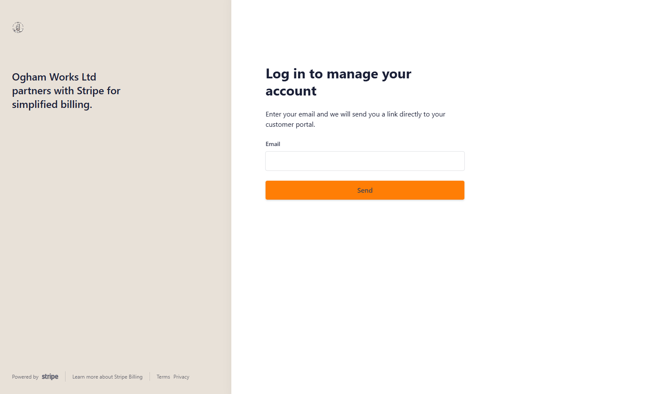
Here you can enter your email address to get a log in to your customer portal where you can manage your account.
*NOTE: You must use the billing email address used to pay for Enrollem. If you are not receiving a log email you are likely using the incorrect billing address. If needed we can confirm the billing address on file.
For Free Users
If you are upgrading to an Enrollem paid plan from a free plan for the first time you can do so here.