
Please note, the 'unenroll' action is only available for paid users and can only be used in contact based workflows.
1. Create a contact based workflow using any triggers that you would like to automatically unenroll contacts from a sequence
2. Search for the action 'Unenroll Contact from Sequence (Paid Plans Only)' as seen below
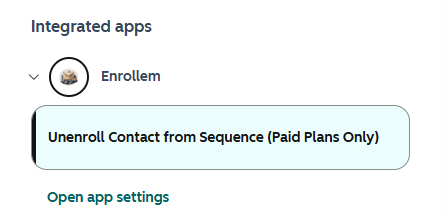
3. Add this action to your workflow. Since contacts can only be enrolled in one Sequence at a time, there is no further configuration needed. Upon reaching this action a meeting will be logged and immediately deleted which causes the contact to be unenrolled from the sequence.
4. Turn on your workflow to start the process